

Home security is a top concern for many of us, and modern technology is making it easier than ever to protect our homes and loved ones. One such technological marvel is the ULTRALOQ U-Bolt Smart Lock, now equipped with a WiFi Bridge for added convenience.

Gone are the days of fumbling for keys or worrying about whether you locked the door when you left home. The ULTRALOQ U-Bolt Smart Lock simplifies your life by providing a smart and secure way to manage your door access.
Key Features:
1. Multiple Entry Methods: With the ULTRALOQ U-Bolt Smart Lock, you have various ways to unlock your door. Use your smartphone, a fingerprint, a keypad, or even a traditional key if you prefer. No need to worry about forgetting your keys or sharing them with friends and family.
2. Remote Access: The addition of the WiFi Bridge allows you to control your smart lock from anywhere. Whether you’re at work, on vacation, or simply relaxing at home, you can check your lock’s status and grant access to guests remotely. It’s a game-changer for those who need to let someone in when they’re not physically present.
3. Easy Installation: You don’t have to be a tech guru to install the ULTRALOQ U-Bolt Smart Lock. It fits most standard doors and can be installed in minutes with just a screwdriver.
4. Enhanced Security: Your home’s safety is paramount, and this smart lock takes security seriously. It uses advanced encryption to protect your data and ensures that only authorized users can enter your home. Plus, the built-in anti-peep keypad feature adds an extra layer of security by allowing you to enter a random code before your actual password.
5. Long Battery Life: You might be concerned about the battery life of a smart lock, but the ULTRALOQ U-Bolt has you covered. With its low-power consumption design, the lock can last up to one year on just four AA batteries. No need to constantly replace them.
6. Sleek Design: Not only is this smart lock functional, but it also looks good. Its modern and sleek design complements any door, enhancing the overall aesthetic of your home.
7. Affordable: Home security doesn’t have to break the bank. The ULTRALOQ U-Bolt Smart Lock with WiFi Bridge offers excellent value for its features, giving you peace of mind without emptying your wallet.
ULTRALOQ U-Bolt Smart Lock with WiFi Bridge is a user-friendly and affordable solution for upgrading your home security. With its multiple entry methods, remote access, and easy installation, it’s a smart choice for anyone looking to enhance the safety and convenience of their home. Say goodbye to traditional locks and welcome the future of home security with open arms.
ULTRALOQ U-Bolt Smart Lock with WiFi Bridge – Pros and Cons
One such technological advancement is the ULTRALOQ U-Bolt Smart Lock with WiFi Bridge. This smart lock offers convenience, security, and peace of mind for homeowners. However, like any product, it comes with its pros and cons.
Pros:
1. Easy Installation: One of the standout features of the ULTRALOQ U-Bolt Smart Lock is its straightforward installation. You don’t need to be a tech guru or hire a professional to set it up. The step-by-step instructions provided make it a hassle-free process.
2. Multiple Entry Options: This smart lock offers a variety of entry options, including a fingerprint scanner, keypad, and smartphone app. This versatility allows you to choose the method that suits your needs and preferences.
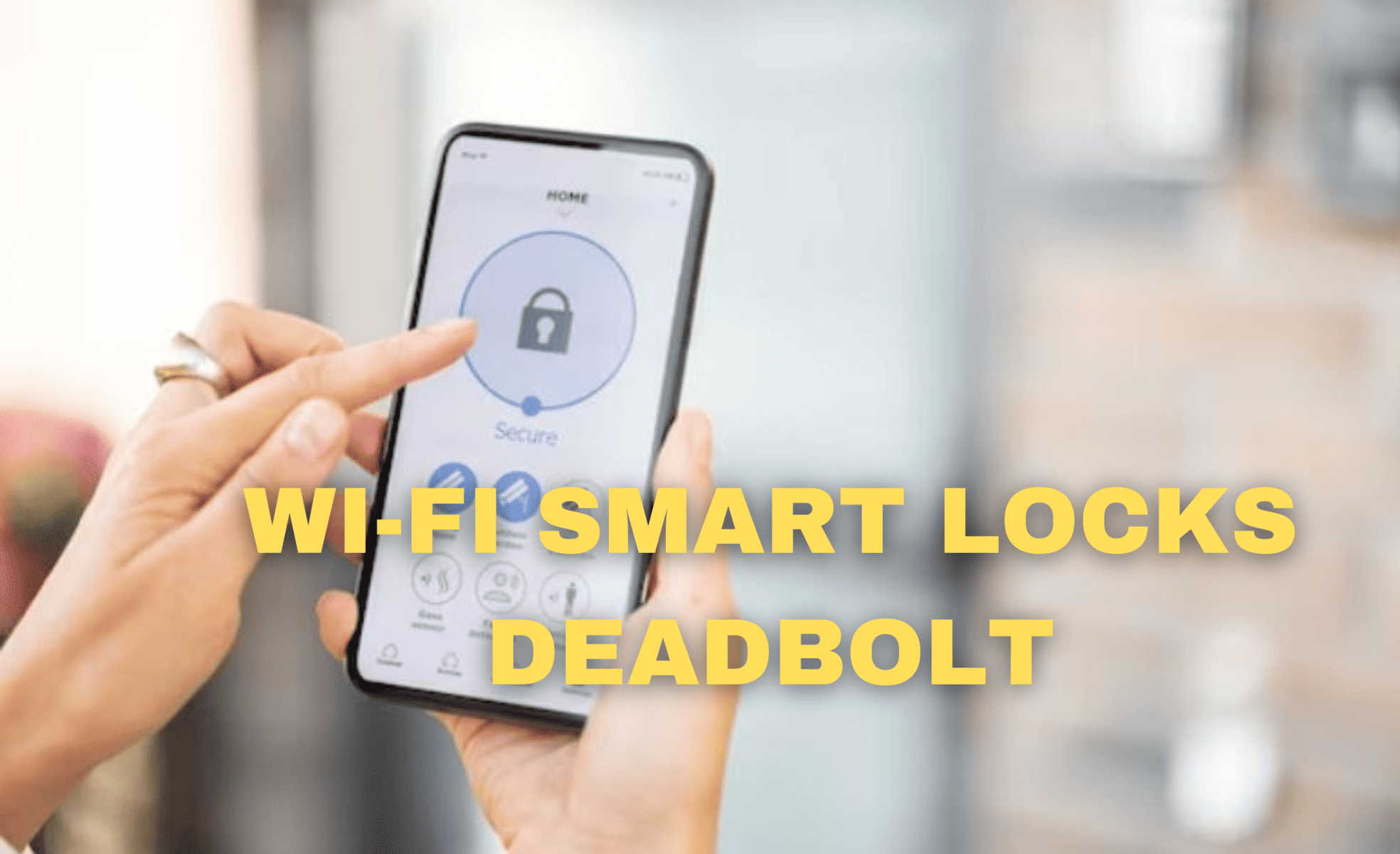
3. Remote Access: With the included WiFi Bridge, you can control the lock remotely through the smartphone app. This means you can lock or unlock your door even when you’re away from home, adding an extra layer of convenience and security.
4. Security Features: The ULTRALOQ U-Bolt Smart Lock boasts advanced security features, including anti-peep password protection and a dual data encryption process. These features help keep your home safe from unauthorized access.
5. Long Battery Life: The smart lock operates on four AA batteries, which can last for up to a year. You won’t have to worry about constantly changing batteries, and the lock even provides a low battery notification.
Cons:
1. Price Tag: While the ULTRALOQ U-Bolt Smart Lock offers many benefits, it comes at a cost. It’s more expensive than traditional locks, which may not fit everyone’s budget.
2. WiFi Bridge Required for Remote Access: To enjoy the convenience of remote access, you must purchase the WiFi Bridge separately. This additional cost may deter some potential buyers.
3. Limited Compatibility: Compatibility can be an issue, as the ULTRALOQ U-Bolt Smart Lock may not fit all door types. Make sure to measure your door carefully to ensure a proper fit.
4. Learning Curve: While the installation is straightforward, some users may find it takes a little time to become familiar with all the features and settings. The user manual is helpful, but it may require a bit of patience.
5. Reliability on Technology: As with any smart device, there’s always a reliance on technology. If there are issues with the app or WiFi connectivity, it could disrupt your ability to control the lock remotely.
ULTRALOQ U-Bolt Smart Lock with WiFi Bridge offers a range of benefits, including easy installation, multiple entry options, and advanced security features. However, it’s not without its drawbacks, such as the higher price tag and the need for additional accessories for remote access. Ultimately, whether this smart lock is right for you will depend on your specific needs and budget.
ULTRALOQ U-Bolt Smart Lock with WiFi Bridge – Installation Guide
The ULTRALOQ U-Bolt Smart Lock with WiFi Bridge is a handy addition to your home security setup, offering convenience and peace of mind. In this article, we will walk you through the straightforward process of installing this smart lock.
Step 1: Gather Your Tools
Before starting the installation, ensure you have the following tools handy:
Step 2: Prepare Your Door
Begin by removing your existing deadbolt lock if you have one. Clean the door surface where the smart lock will be installed to ensure proper adhesion.
Step 3: Install the Deadbolt
Step 4: Connect the Cable
Connect the cable from the interior assembly to the exterior assembly. Ensure the cable is not twisted or tangled to ensure proper functionality.
Step 5: Install Batteries
Insert four AA batteries into the battery compartment located on the interior assembly. Make sure to follow the correct polarity (plus and minus signs) indicated inside the compartment.
Step 6: Pair with the ULTRALOQ App
Step 7: Connect the WiFi Bridge
Step 8: Test Your Smart Lock
Make sure your smart lock is working correctly by locking and unlocking it using the ULTRALOQ app on your smartphone. You can also test it manually from the inside.
Step 9: Customize Your Settings
Explore the ULTRALOQ app to customize your smart lock settings, including user access, auto-lock preferences, and more.
Congratulations! You have successfully installed your ULTRALOQ U-Bolt Smart Lock with WiFi Bridge. Enjoy the convenience of keyless entry and remote access to your home security.
Remember to keep the app updated and change your access codes regularly to maintain the security of your smart lock. With the ULTRALOQ U-Bolt Smart Lock, you can enhance the security of your home with ease.


Leave a Reply