
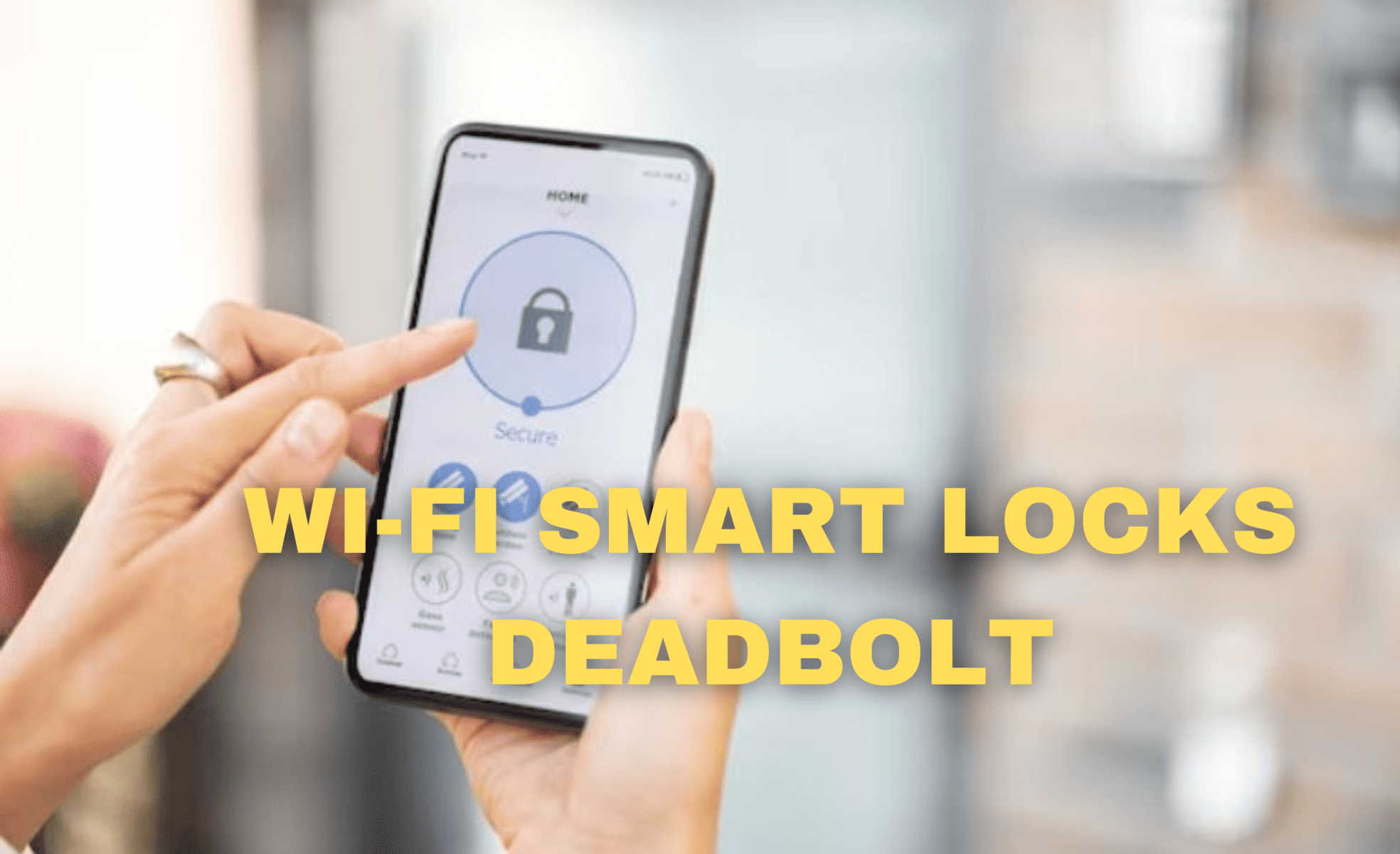
In the age of smart technology, our homes are getting smarter too. One nifty addition to our homes is the Wi-Fi smart lock, a device that’s changing the way we secure our houses. Gone are the days of fumbling for keys; these locks bring a whole new level of convenience to our lives.

So, what exactly is a Wi-Fi smart lock? Well, it’s a lock that you can control with your smartphone, tablet, or even your voice through a virtual assistant like Alexa or Google Assistant. Imagine being able to lock or unlock your door from anywhere in the world as long as you have an internet connection. It’s like having your very own doorman right in your pocket.
Installation is a breeze for most Wi-Fi smart locks. You don’t need to be a tech whiz to set one up. Just replace your old lock with the new smart one, and you’re good to go. No need to hire a locksmith or break the bank.

One of the most significant advantages of Wi-Fi smart locks is the ability to grant access to friends, family, or service professionals remotely. Say goodbye to hiding spare keys under the doormat or in a flowerpot. You can provide temporary access codes to anyone you trust, and you’ll even receive notifications when they use it. It’s perfect for letting in the dog walker or repairman when you’re not home.
Security is a top priority with these locks. Many of them come with advanced encryption to protect your home from hackers. Some models even have built-in alarms that can deter intruders. Plus, if you ever lose your phone, you can quickly deactivate access remotely to ensure your home’s safety.
Some Wi-Fi smart locks also integrate with other smart home devices. You can sync them with your security cameras, so you can see who’s at your door and grant access with a tap on your phone. They can also work with your smart lights, allowing you to create custom lighting scenes for added security and convenience.
One thing to consider is power. Wi-Fi smart locks need electricity to function, so you’ll want to ensure you have a backup plan in case of a power outage. Most locks come with a physical key as a backup, just in case.
In terms of cost, Wi-Fi smart locks can vary in price, but they are generally affordable. When you weigh the convenience and added security they bring, they’re well worth the investment.
Pros of Wi-Fi Smart Locks
- Convenience: Wi-Fi smart locks offer the convenience of remote control via a smartphone, tablet, or virtual assistant. You can lock or unlock your door from anywhere with an internet connection.
- Easy Installation: Most Wi-Fi smart locks are designed for easy DIY installation, eliminating the need for professional locksmith services and saving you money.
- Remote Access: You can grant temporary access to guests, friends, or service professionals from afar, eliminating the need for physical keys or hiding spots.
- Security: Many smart locks use advanced encryption to protect against hackers, and some even feature built-in alarms to deter intruders.
- Integration: Wi-Fi smart locks can integrate with other smart home devices, such as security cameras and smart lights, enhancing overall home security and automation.
- Notifications: You receive notifications when someone accesses your home, providing real-time updates on who is coming and going.
- Keyless Entry: Forget about losing keys or getting locked out; keyless entry eliminates these common frustrations.
Cons of Wi-Fi Smart Locks
- Power Dependency: Wi-Fi smart locks rely on electricity, so they may not function during a power outage. Many models include a physical key backup, but this could be inconvenient in emergencies.
- Initial Cost: While affordable, Wi-Fi smart locks do represent an initial investment, especially if you have multiple entry doors in your home.
- Compatibility: Compatibility with existing door hardware and door types may vary. Ensure the lock you choose is compatible with your specific setup.
- Security Concerns: As with any connected device, there is a potential risk of hacking. Manufacturers work to address security vulnerabilities, but users should take precautions, such as regular firmware updates.
- Potential Technical Glitches: Like all technology, Wi-Fi smart locks can experience technical glitches or connectivity issues, which might temporarily disrupt their functionality.
- Battery Life: Some models rely on batteries, and you’ll need to monitor and replace them periodically to ensure continuous operation.
Wi-Fi smart locks offer numerous benefits in terms of convenience and security but come with potential drawbacks related to power dependency, cost, and compatibility. Users should weigh these factors against their specific needs and priorities when considering the adoption of this smart home technology.
How to Install a Wi-Fi Smart Lock Deadbolt

Are you tired of fumbling with keys every time you want to unlock your door? Installing a Wi-Fi smart lock deadbolt can make your life a whole lot easier. In this guide, we’ll walk you through the simple steps to set up your new smart lock without any confusing jargon.
What You’ll Need:
Before you start, gather these basic tools:
- Wi-Fi Smart Lock Deadbolt
- Screwdriver
- Existing Deadbolt (to replace)
- Smartphone with a Wi-Fi connection
Step 1: Remove the Old Deadbolt
First things first, remove your existing deadbolt. Use a screwdriver to take out the screws on the interior side of the door. Once the screws are out, you can slide out the old deadbolt from the door.
Step 2: Install the New Deadbolt
Now, it’s time to install your shiny new Wi-Fi smart lock deadbolt. Simply slide it into the hole left by the old deadbolt. Make sure it’s properly aligned and secure it with screws provided in the package.
Step 3: Connect to Wi-Fi
Most smart locks require a Wi-Fi connection to work remotely. Using your smartphone, download the accompanying app for your smart lock brand from your app store. Open the app and follow the on-screen instructions to connect your lock to your home’s Wi-Fi network. This step usually involves entering your Wi-Fi credentials.
Step 4: Pair with Your Smartphone
Once your smart lock is connected to Wi-Fi, it’s time to pair it with your smartphone. In the app, find the “Pair Device” or similar option and follow the prompts to link your phone with the lock. This will allow you to control the lock from your phone remotely.
Step 5: Test Your Smart Lock
Before considering the installation complete, test your smart lock to ensure it’s functioning correctly. Try locking and unlocking it using the app on your smartphone. Also, test the physical key provided with the lock to make sure it works smoothly.
Step 6: Customize Settings
Many smart locks offer additional features and customization options. Explore the app to see if there are settings you’d like to adjust, such as auto-locking after a certain time or creating temporary access codes for guests. These settings can add extra convenience and security to your smart lock.
Step 7: Secure the Exterior
Don’t forget to secure the exterior of your smart lock with the provided faceplate or cover. This will protect the lock from the elements and ensure it stays in good working condition.
And that’s it! You’ve successfully installed a Wi-Fi smart lock deadbolt without any complex steps or confusing terminology. With your new smart lock in place, you can enjoy the convenience of locking and unlocking your door with ease, whether you’re at home or away.
Summary: Wi-Fi smart locks are a smart addition to any home. They make our lives more convenient, provide added security, and are easy to install. If you’re tired of fumbling for keys or worrying about who has access to your home, consider making the switch to a Wi-Fi smart lock. It’s a small upgrade that can make a big difference in your daily life.


Leave a Reply